

THE VIGORBUY SPREADSHEET EDIT
Vigorbuy Spreadsheet Pants
Trousers, joggers and relaxed everyday bottoms. Open a product to see its styles, sizes and any QC photos available here. Check the buying page for current prices and availability.
CURATED COLLECTION
Pants worth a closer look
Choose a product to see its styles, sizes and any QC (quality control) photos available here.

Stone Island 68-15 Olive Cargo Pants
Listing updated 2026-10-31View details →Buy 57 QC photos
Stone Island Shadow Project Cargo Pants Flower Grey Bottoms
Listing updated 2026-10-25View details →Buy
Moncler Black Logo Patch Slim-Fit Pants
Listing updated 2026-10-31View details →Buy 41 QC photos
Alo Men's Black Solid Trousers
Listing updated 2026-10-31View details →Buy 16 QC photos
Corteiz RTW Black 'Gortek' Sweatpants
Listing updated 2026-11-01View details →Buy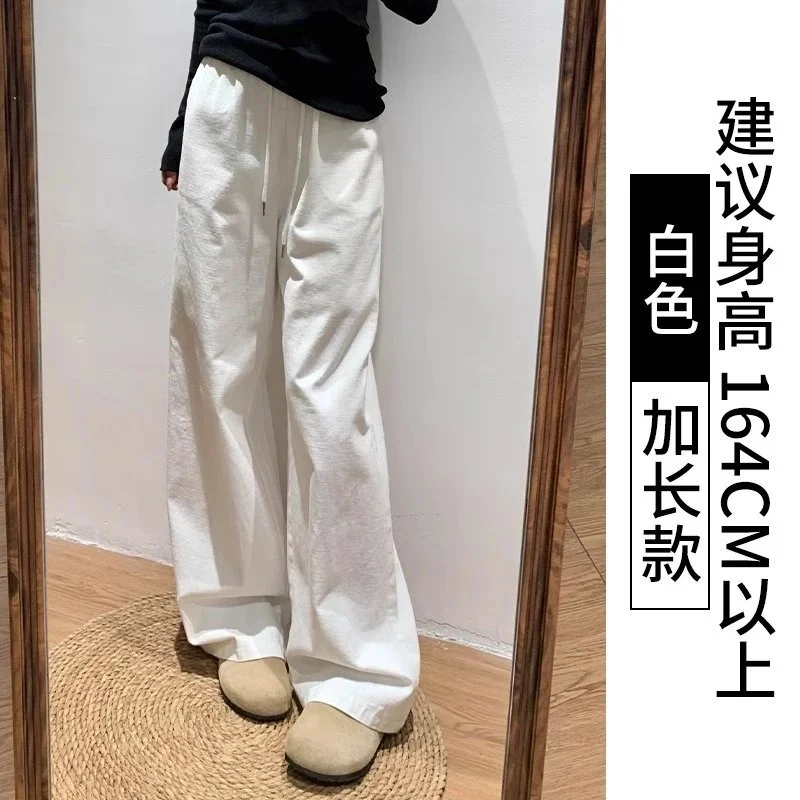 36 QC photos
White Extra Long Wide Leg Pants
Listing updated 2026-10-19View details →Buy 36 QC photos
Black Wide Leg Pants Casual Bottoms
Listing updated 2026-10-19View details →Buy 35 QC photos
Nike ACG Tech Fleece Pants Black
Listing updated 2026-10-31View details →Buy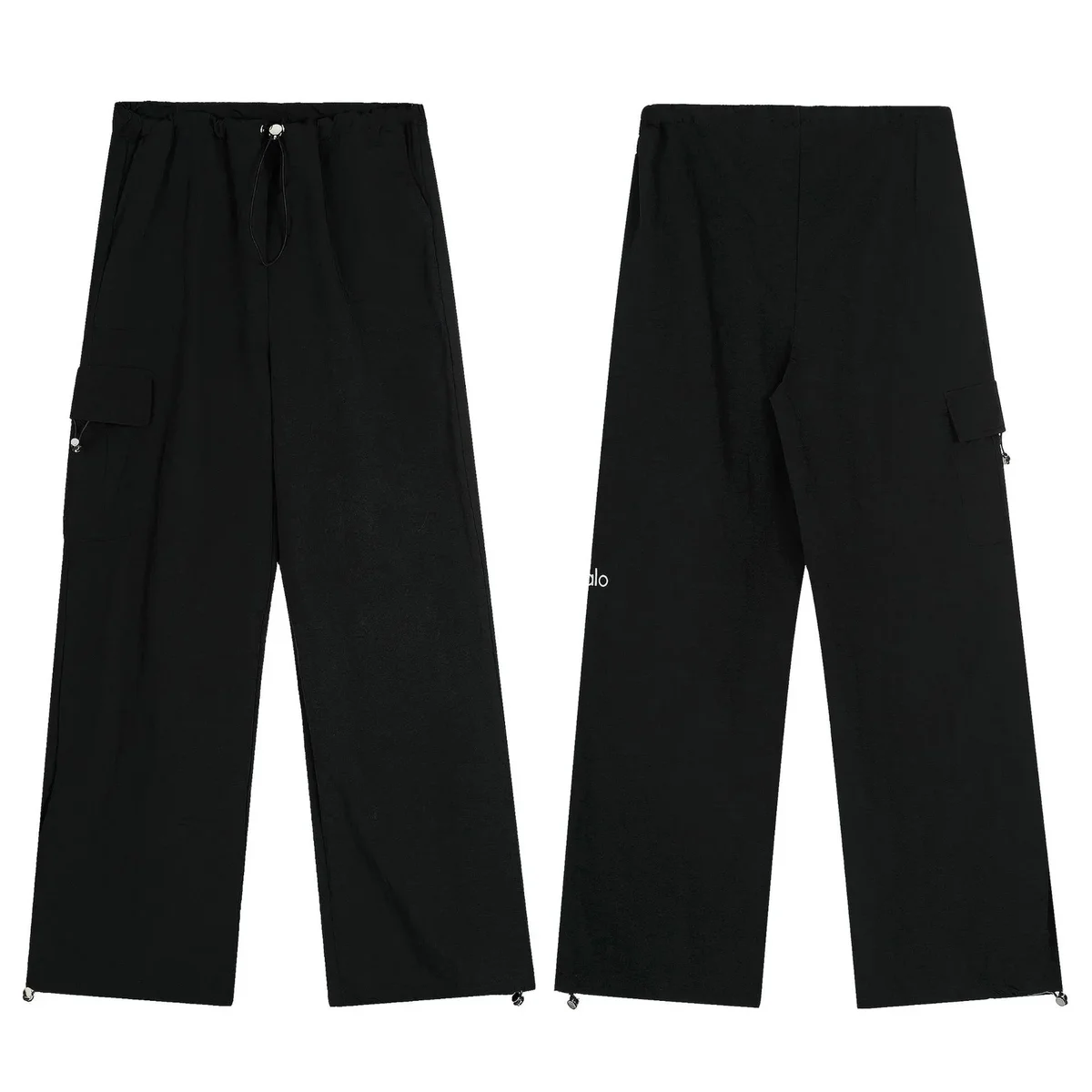 31 QC photos
Black Solid Cargo Pants
Listing updated 2026-10-24View details →Buy 4 QC photos
Balenciaga Track Black & White Side Stripe Trousers
Listing updated 2026-11-01View details →Buy
Stone Island Brown Cargo Pants
Listing updated 2026-10-31View details →Buy
Stone Island Shadow Project Navy Cargo Pants
Listing updated 2026-10-31View details →Buy
Acne Studios Face Black Wide-Leg Trousers
Listing updated 2026-10-31View details →Buy
Polo Ralph Lauren Green Slim-Fit Sweatpants
Listing updated 2026-11-01View details →Buy 16 QC photos
Lacoste L.12.12 Black Sweatpants
Listing updated 2026-10-30View details →Buy
Carhartt Grey Cargo Shorts
Listing updated 2026-10-21View details →Buy
Polo Ralph Lauren Grey Chino Pants — Olive
Listing updated 2026-10-31View details →Buy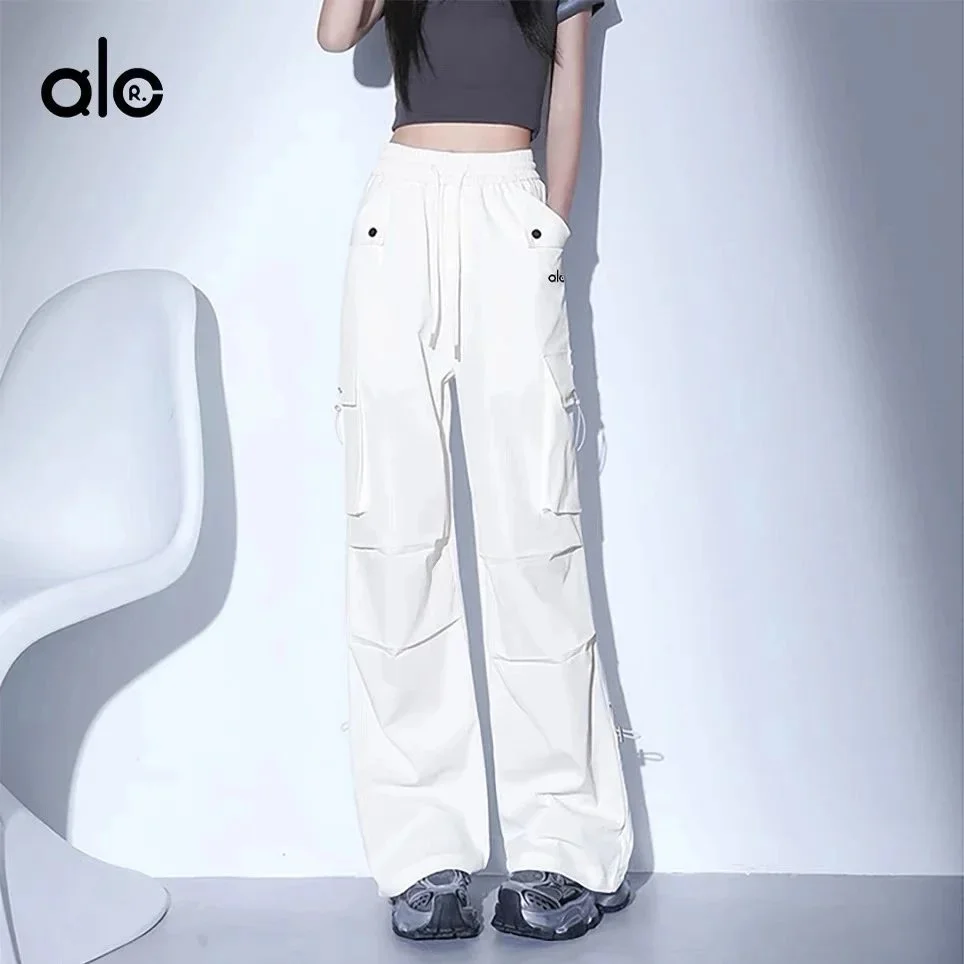 16 QC photos
White ALC R. Cargo Pants
Listing updated 2026-09-15View details →Buy 12 QC photos
Nike Air Force 1 Grey Track Pants
Listing updated 2026-11-01View details →Buy 2 QC photos
Stone Island Shadow Project Black Cargo Pants
Listing updated 2026-10-30View details →Buy
Unisex Khaki Track Pants with White Stripes
Listing updated 2026-10-29View details →Buy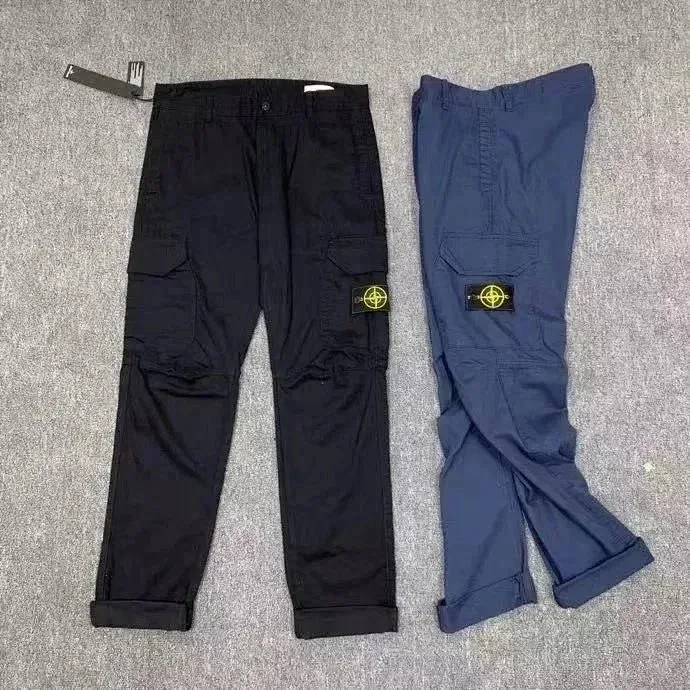
Stone Island 68-15 Black Cargo Pants
Listing updated 2026-10-01View details →Buy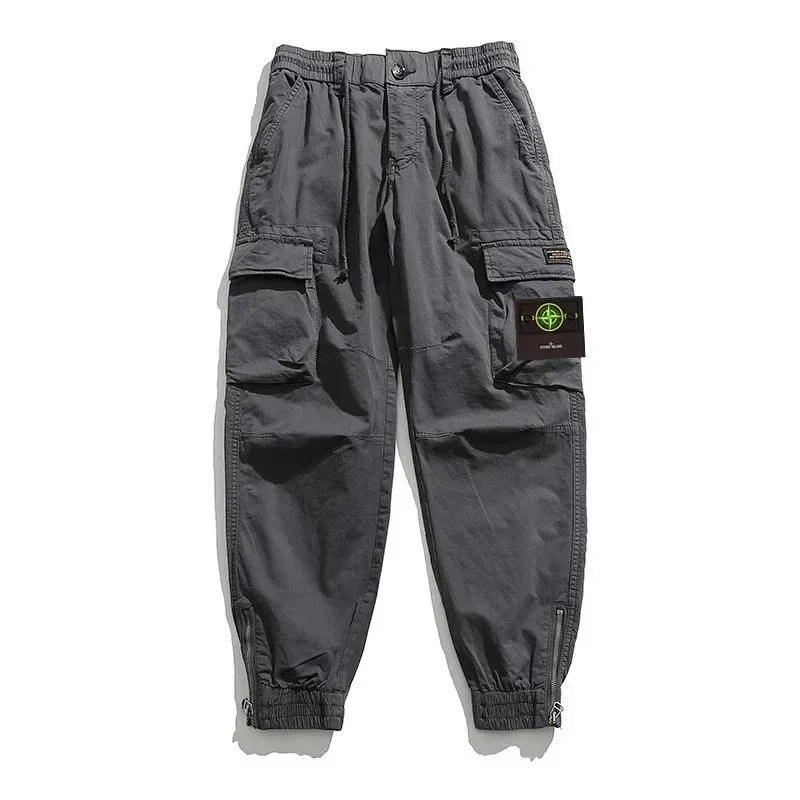
Stone Island Shadow Project Cargo Pants Grey — Cargo Pockets
Listing updated 2026-10-01View details →Buy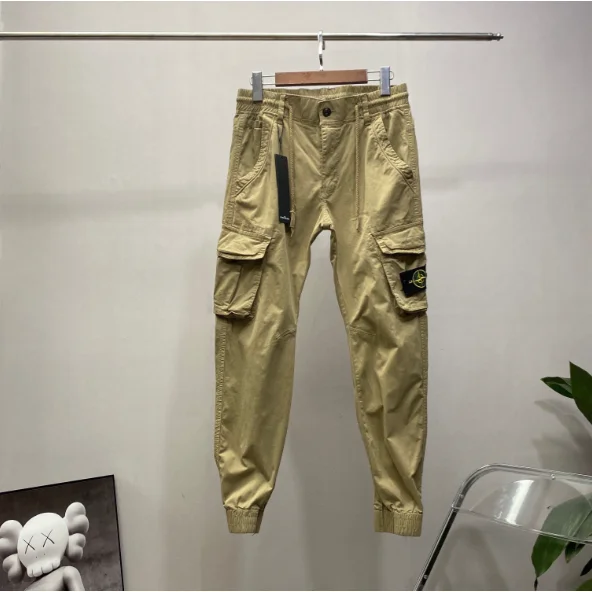
Stone Island 68-15 Cargo Pants Khaki — Cargo Pockets
Listing updated 2026-10-01View details →Buy
Carhartt Detroit Work Pants Brown
Listing updated 2026-11-02View details →Buy
Carhartt WIP Kickback Sweatpants Grey Solid
Listing updated 2026-11-02View details →Buy
Carhartt Navy Track Pants
Listing updated 2026-11-02View details →Buy
Carhartt WIP Cargo Pants Black Trousers
Listing updated 2026-11-02View details →Buy
Carhartt Work In Progress Cargo Pants Olive
Listing updated 2026-11-02View details →Buy
Carhartt Carhartt Work In Progress Cargo Pants Beige
Listing updated 2026-11-02View details →Buy
Stone Island Shadow Project Beige Cargo Pants
Listing updated 2026-10-31View details →BuyCATEGORY NOTES
How to browse Vigorbuy Spreadsheet Pants
Compare trousers and casual pants by silhouette and measurements, not the size name alone. The same waist label can produce a different fit when the rise or leg opening changes.
Measure pants for waist, rise and inseam
Compare flat waist width, rise, inseam and leg opening with pants that fit you well. Check whether the fabric has stretch and whether the photographed version is straight, tapered or wide. Confirm the selected size on the buying page.
What to check in pants QC photos
A full flat view helps reveal leg shape and symmetry. Ask for clear photos of pocket placement, fly or drawstring, waistband and hem. Measurement photos are particularly helpful when the seller chart uses unfamiliar sizing.
Questions about pants
Is waist size enough to choose pants?
No. Rise and inseam affect where the pants sit and how they break at the shoe. Compare several measurements with an existing pair.
Can a product photo show fabric stretch?
Not reliably. Look for material details on the current listing and ask for measurements rather than inferring stretch from the image.